
Introduction
Open Assets turns HTML, CSS and SVG templates into App Store screenshots, app icons, OG images and favicons, rendered at every size from one local CLI.
Open Assets is an open source Node CLI for designing app marketing assets as code. You write App Store screenshots, app icons, logos, OG images and favicons as HTML, CSS or SVG files, preview them in a local dev server, and render every size your stores need with one command. Rendering runs headless Chromium through Puppeteer, so what you see in the browser is what you ship.
Everything lives in your git repo next to your app. There is no account, no hosted editor and no per-device rework.
Who it is for
- App developers who ship to the App Store or Google Play and are tired of re-exporting screenshots for every device size.
- Web developers who want OG images, favicons and touch icons generated from the same source as the rest of the brand.
- Teams using AI coding agents. Templates are plain HTML files and the config is one JSON file, so Claude Code and other agents can read, edit and render them. See Agents.
The model: N templates × M export sizes
A project has one assets.json. It holds collections. Each collection has a list of templates (source files) and a list of export entries (sizes and output actions). Every template renders once per export size.
collection "screenshots"  (sourceSize 440×956)

  templates               export sizes
  01-hero.html     ×      iphone-6.9   1320×2868
  02-search.html          iphone-6.7   1290×2796
  03-share.html

= 3 × 2 = 6 PNGs{
"version": 1,
"name": "My App",
"publicDir": "public",
"collections": [
{
"id": "screenshots",
"label": "App Store Screenshots",
"sourceSize": { "width": 440, "height": 956 },
"templates": [
{ "src": "assets/screenshots/01-hero.html", "name": "01-hero", "label": "Hero" },
{ "src": "assets/screenshots/02-search.html", "name": "02-search", "label": "Search" },
{ "src": "assets/screenshots/03-share.html", "name": "03-share", "label": "Share" }
],
"export": [
{ "name": "iphone-6.9", "label": "iPhone 6.9\"", "size": { "width": 1320, "height": 2868 } },
{ "name": "iphone-6.7", "label": "iPhone 6.7\"", "size": { "width": 1290, "height": 2796 } }
]
}
]
}You design at a small source size (440×956 here) and Open Assets scales the page up to each export size. Change a template once, run open-assets render, and every size updates. Templates that did not change are skipped thanks to the assets.lock cache.
What it replaces
- Hand-resizing in Figma or Sketch. One artboard per device, per language, per screenshot, exported by hand. Open Assets renders all of them from one template.
- Per-device screenshot tools that frame raw captures but give you little control over layout and copy. Here the layout is HTML and CSS, so anything a browser can draw is fair game.
- Copying files around by hand. An export entry can write straight to its destination: a favicon into your web app's
public/, an app icon into an Xcode.appiconset.
Real projects
These example projects ship in the repository and render with the same CLI you install.
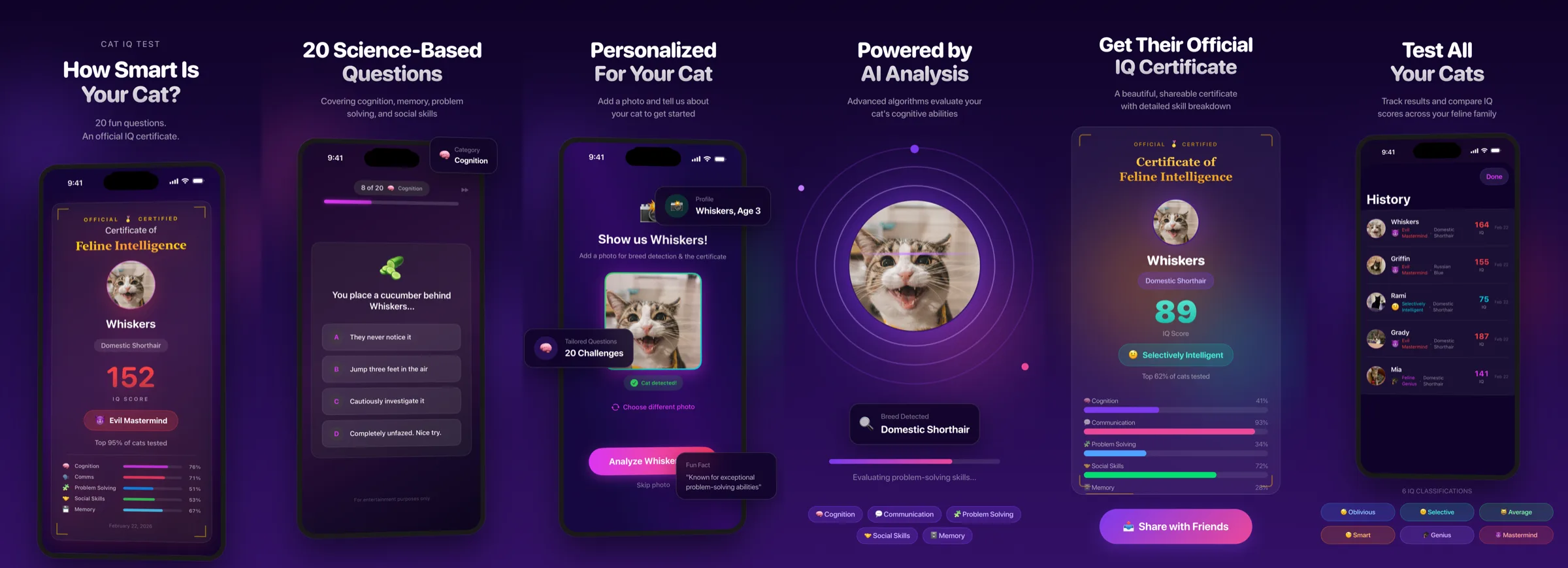

Cat IQ Test
4 collections, 13 templates
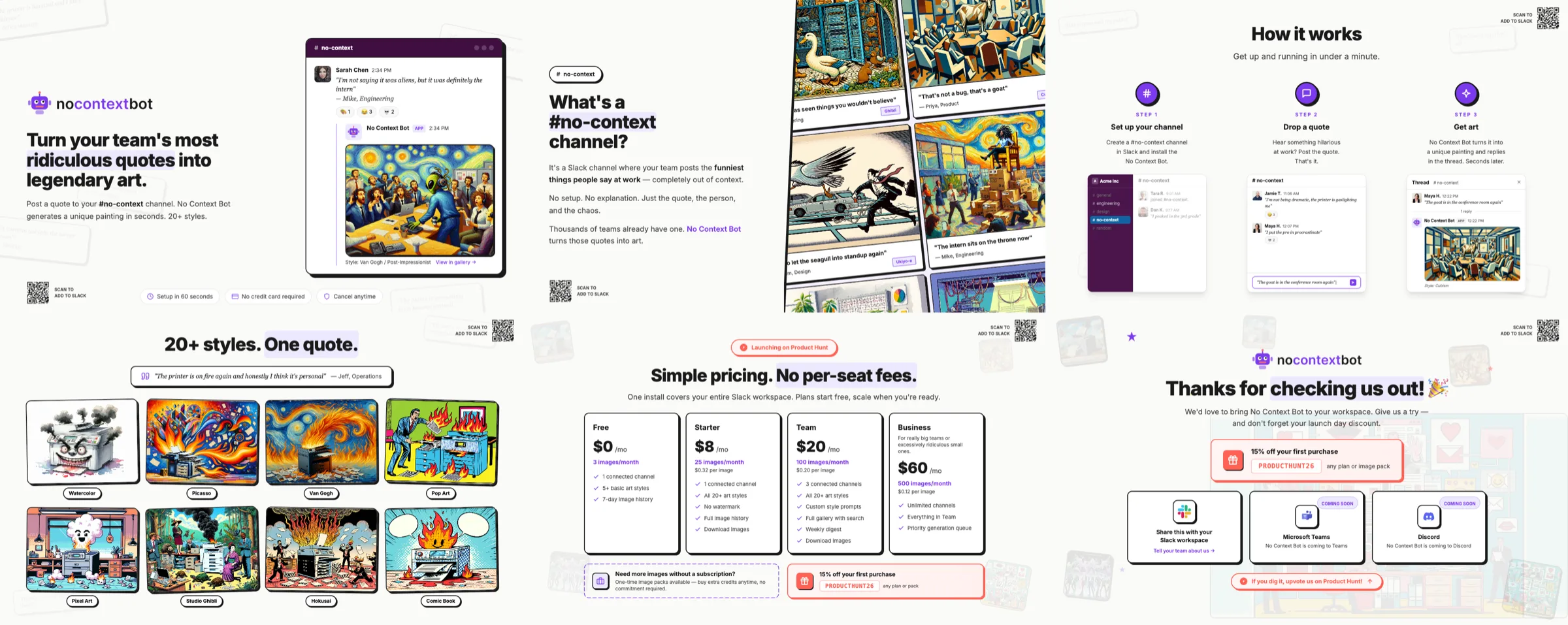

No Context
4 collections, 15 templates
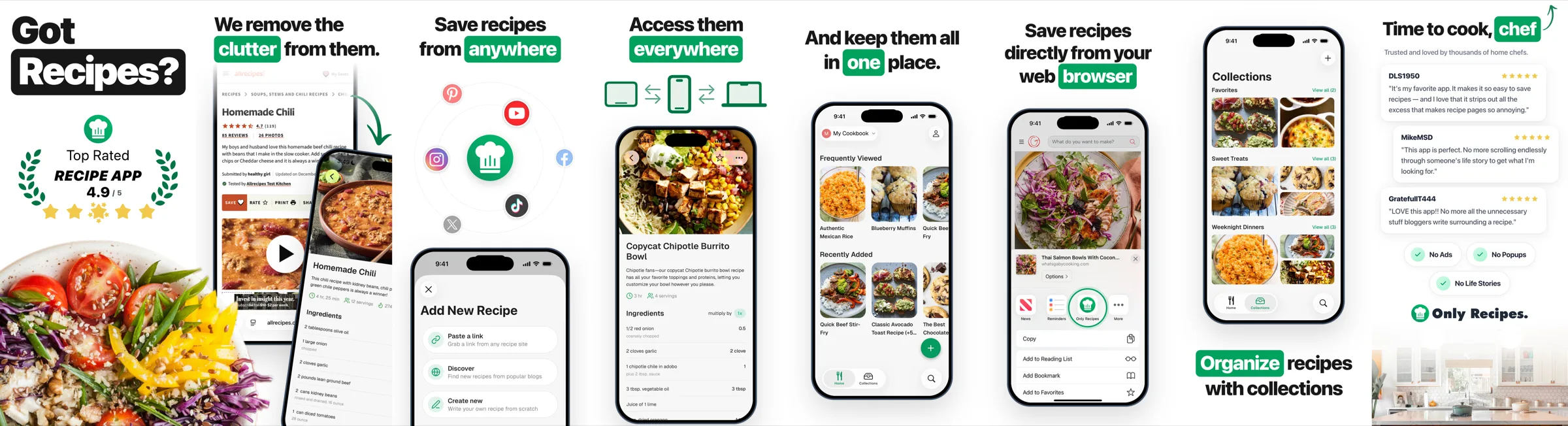

Only Recipes
2 collections, 16 templates
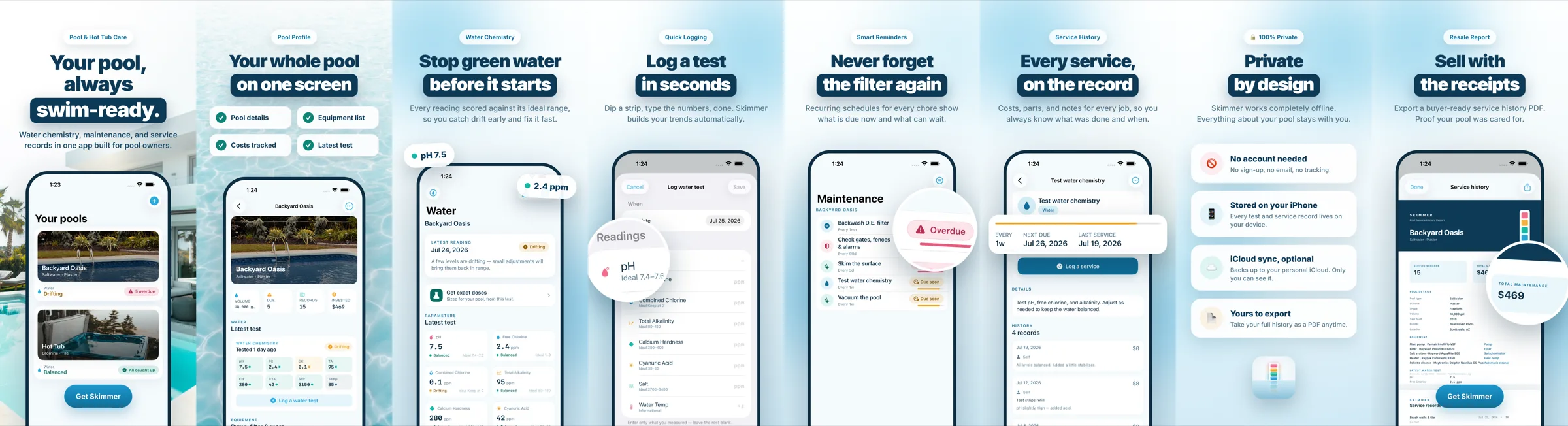

Skimmer
2 collections, 9 templates
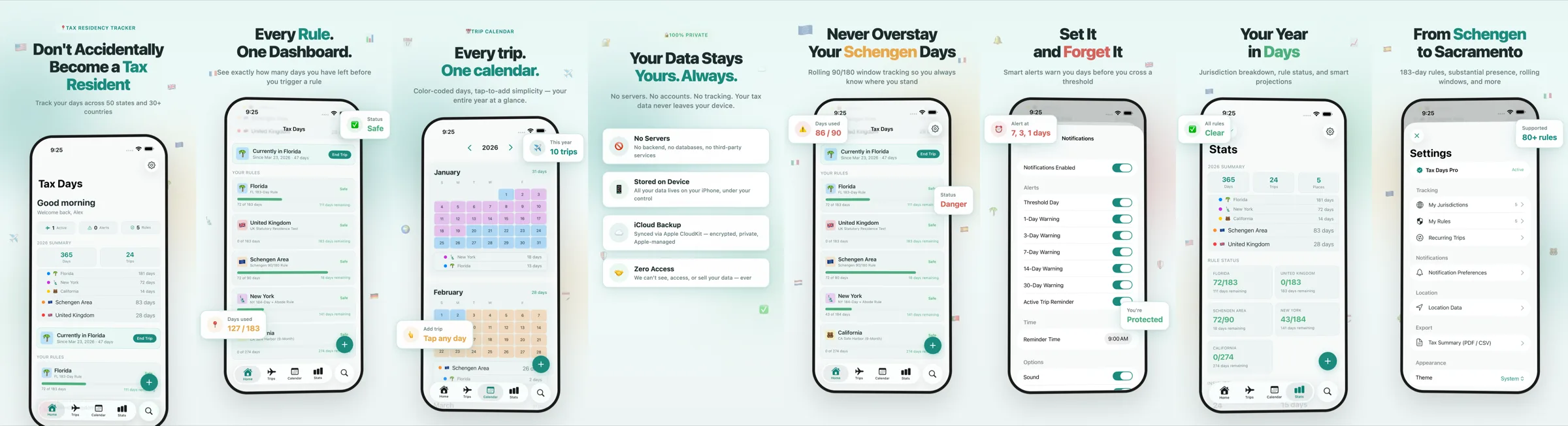

Tax Days
3 collections, 17 templates
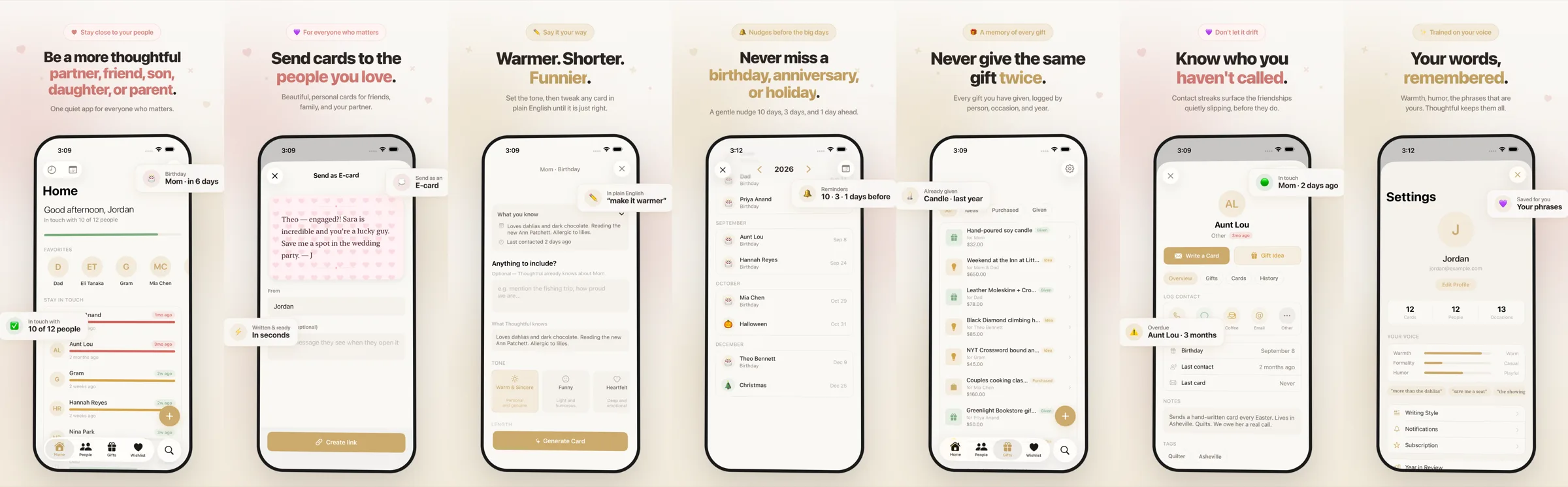

Thoughtful
2 collections, 8 templates
Where to go next
Quick start
Scaffold a project, preview it and render your first images in five minutes.
Tutorial
Build a three-screenshot App Store set and an Xcode app icon from scratch.
Concepts
Collections, templates, sizing, outputs, tags, the lockfile and publicDir.
Guides
Recipes for App Store, Google Play, OG images, favicons and more.
CLI reference
Every command, flag and environment variable.
Localization
Render every screenshot in every App Store language, with RTL layouts and locale fonts.
Examples
Six shipping apps whose store assets are rendered with Open Assets.
Agents
Design assets with Claude Code and other coding agents.
Last updated on